


Makes multi-platform account linking feel effortless and secure with TradeLynk
Discover a smarter way to trade
Connect MT4, MT5, cTrader, TradeLocker, and other platforms, sync trades automatically via API/CopyFactory, upload broker statements where connections aren’t possible, and manage everything from one clean TradeLynk dashboard.1
Get more from every trade

Smart automation tools
Connect, sync, analyze, and copy trade.

Automatically pull trades, group them by symbol, strategy, or broker, and track performance with clear analytics.
Use many platforms and devices®3TradeLynk works wherever and however you trade.
Whether you use MT4, MT5, cTrader, TradeLocker, or broker web portals, TradeLynk keeps your accounts in sync and your trade history up to date.
Insights made simple

Trades organized with smart automation
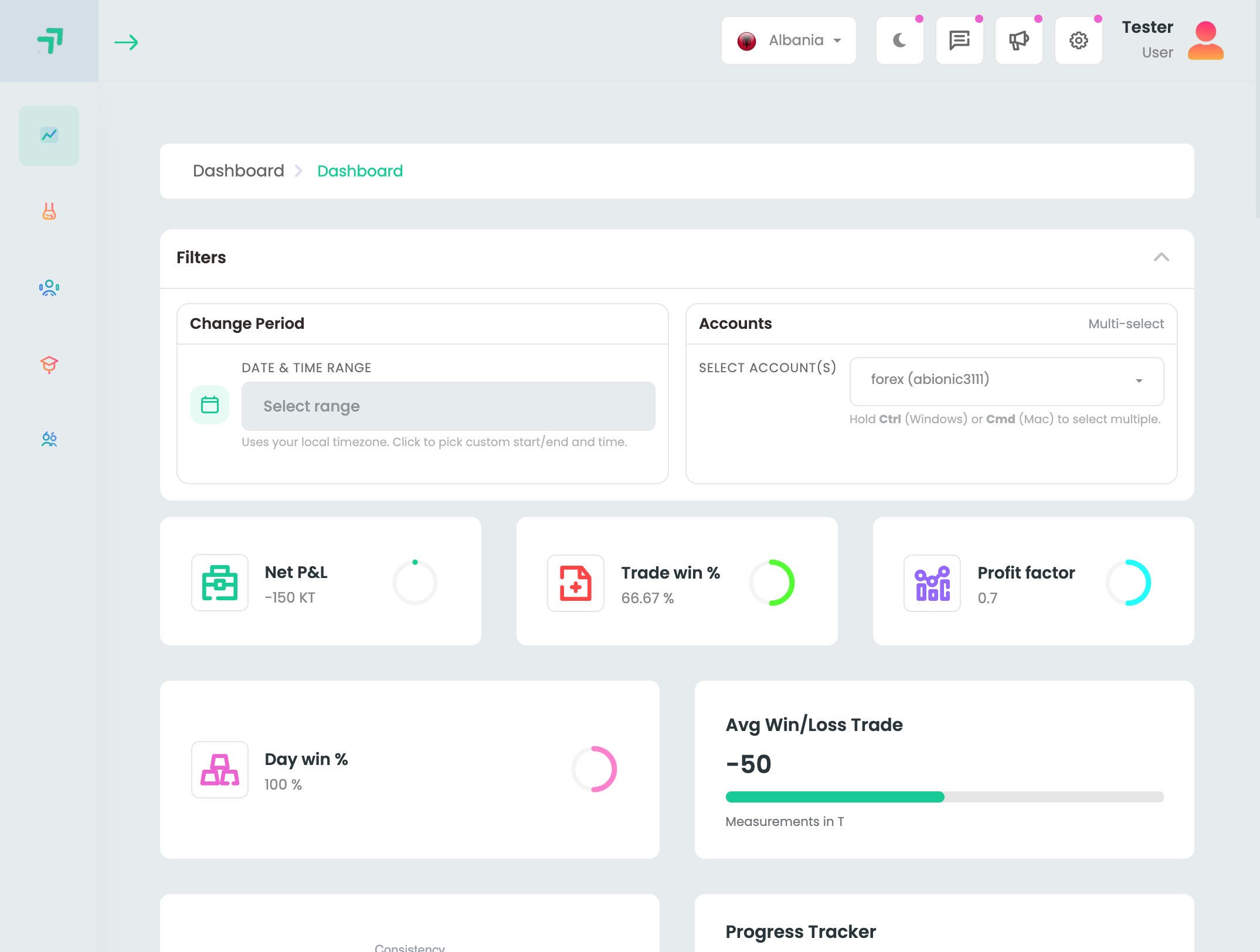
Monitor.
Bring structure and clarity to your
trading.6
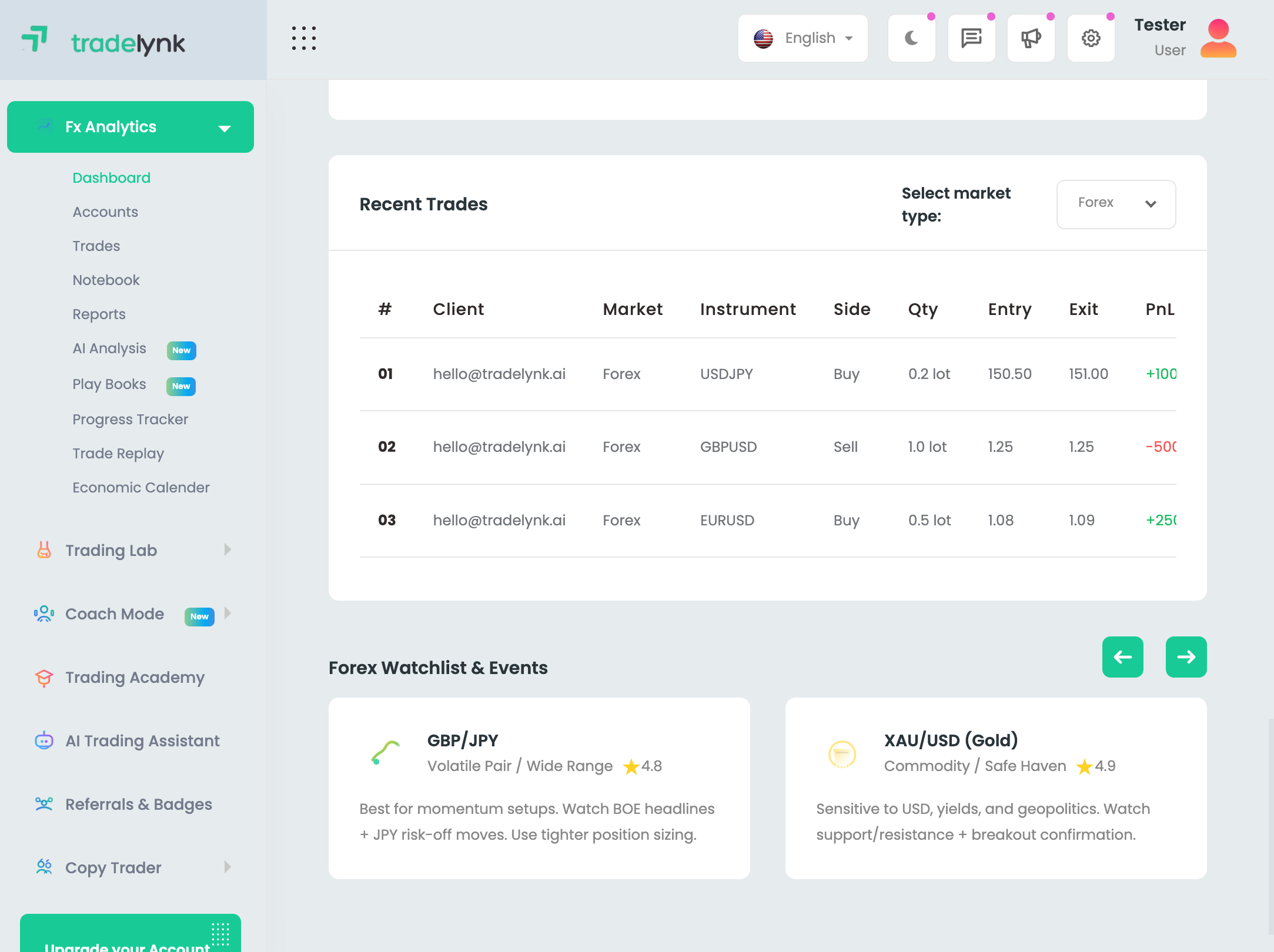
Unified account view.
No more jumping between multiple broker portals and apps.
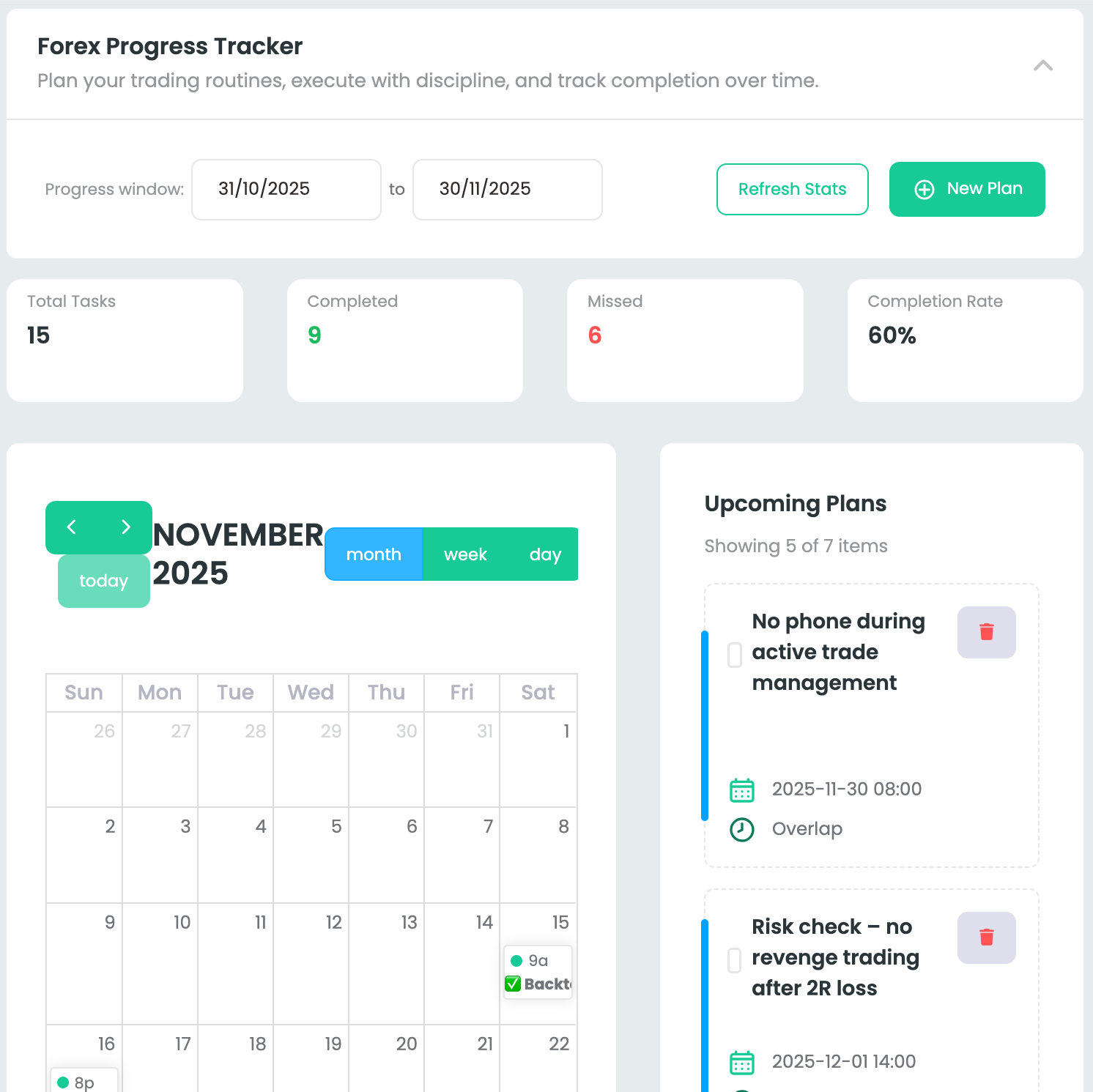
Auto trade sync.
Go from scattered logs to a clean, up-to-date trade history.
Review your trading journey
Easily revisit your past trades, strategies, and milestones. TradeLynk curates your data so you can focus on what’s working and improve what isn’t.
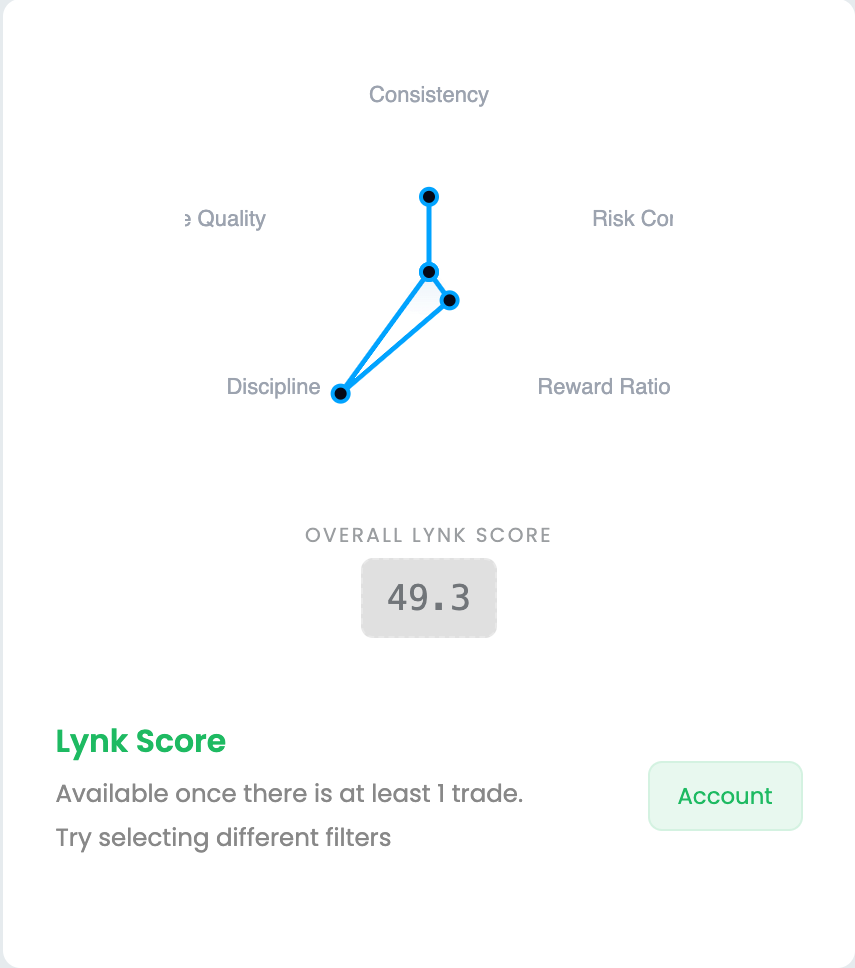
Organized with smart grouping
Your trades, accounts, and broker statements are automatically organized, so you spend less time exporting CSVs and more time refining your edge.
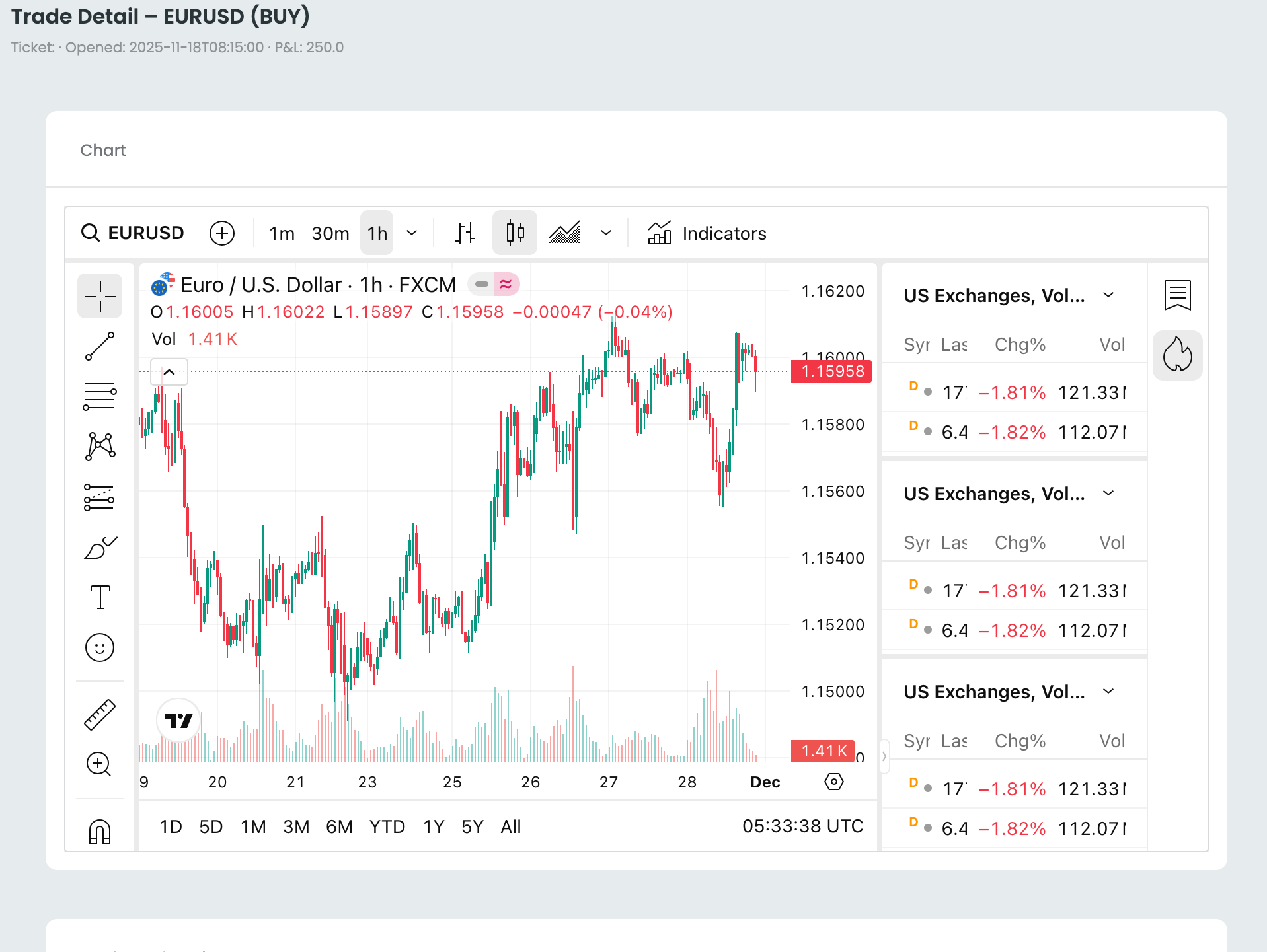
Automatically group trades by symbol, strategy tag, or timeframe.
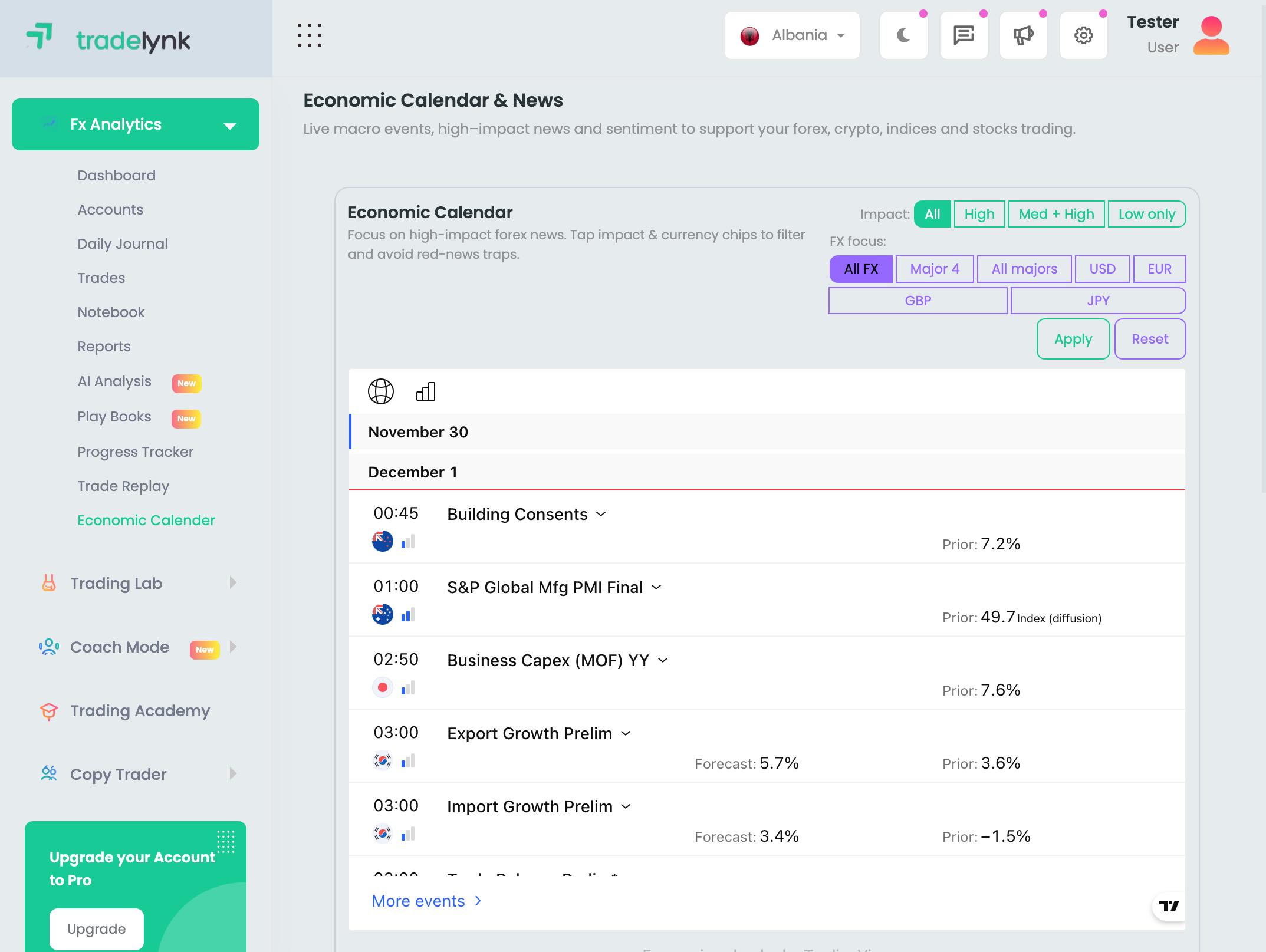
Broker statements and uploads are sorted into clear views like monthly reports, funding, withdrawals, and more.
Share performance with confidence
Easily share performance summaries or account overviews with investors, mentors, or your team — even if they don’t use TradeLynk.

Share to everyday tools
Export key stats or reports to share in your favorite channels like email, Telegram, WhatsApp, or Slack.

Share with trusted partners
Share specific accounts, time ranges, or strategy views only with the people you choose.
A safe home for your trading data
Your data and logins are yours
Everything you connect or upload to TradeLynk belongs to you, and you can disconnect accounts or export your data at any time.

Your credentials are protected
TradeLynk uses industry-standard encryption and strict security practices to help keep your trading accounts and data safe.

We don’t sell your data
TradeLynk never sells your trading data or login details to anyone, and we don’t use your private account information for advertising.
The latest from TradeLynk
-
TradeLynk
5 ways to get more from your connected trading accounts
October 24, 2025 -
TradeLynk
How to structure your accounts for clearer trading analytics
October 17, 2025 -
TradeLynk
10 ways TradeLynk can organize and sync your trades for you
October 14, 2025 -
TradeLynk
New: deeper MT4, MT5, and cTrader integrations in TradeLynk
October 13, 2025 -
TradeLynk
Copy trading is now even easier with streamlined account linking in TradeLynk.
September 23, 2025 -
TradeLynk
The latest TradeLynk automation and copy-trading updates
September 10, 2025
Frequently asked questions
Every TradeLynk account supports connecting multiple platforms such as MT4, MT5, cTrader, TradeLocker, and others across supported brokers.
Yes. TradeLynk is designed to work with many popular brokers and trading platforms. You connect using your login credentials or by uploading broker statements when direct connections aren’t available.how TradeLynk integrates with supported platforms.
You can automatically sync trades every few hours using our API and
CopyFactory-based connections, or manually trigger syncs for supported
accounts.Learn
more about automated trade syncing.
Yes. You can manually add or edit trades directly inside TradeLynk, which is especially useful for accounts or platforms that can’t be connected automatically.Learn more about managing trades manually in TradeLynk.
You can share performance summaries, exports, or selected account overviews with mentors, investors, or partners, even if they don’t use TradeLynk.Learn more about exporting and sharing performance reports.
You can easily filter and search your trades by symbol, broker, strategy tag, date range, and more.AccountGroupshow to search and filter your trades.